How do you change the colors in a chart? That’s one of the first questions from anybody starting to learn any tool. No matter if it’s in Excel, Power BI, matplotlib in Python, or ggplot in R. In the case of ggplot, the first try usually leads to something unexpected and seemingly wrong. This post should explain why is it happening and how to avoid mistakes like this (and a small bonus at the end).
Let’s assume we already have a chart that plots the length of a petal on the x-axis and its width on the y-axis and you specified those inside the aes() function. We also checked the documentation of that function and found out that it also has an argument called color/colour. (Yes, many R functions allow using both spellings of several words. For example, color="gray" and colour="grey" are both valid pieces of code.) So that must be the way to specify the color, right? Let’s give it a try.
ggplot(iris) +
  geom_point(aes(Petal.Length, Petal.Width, color = "blue"))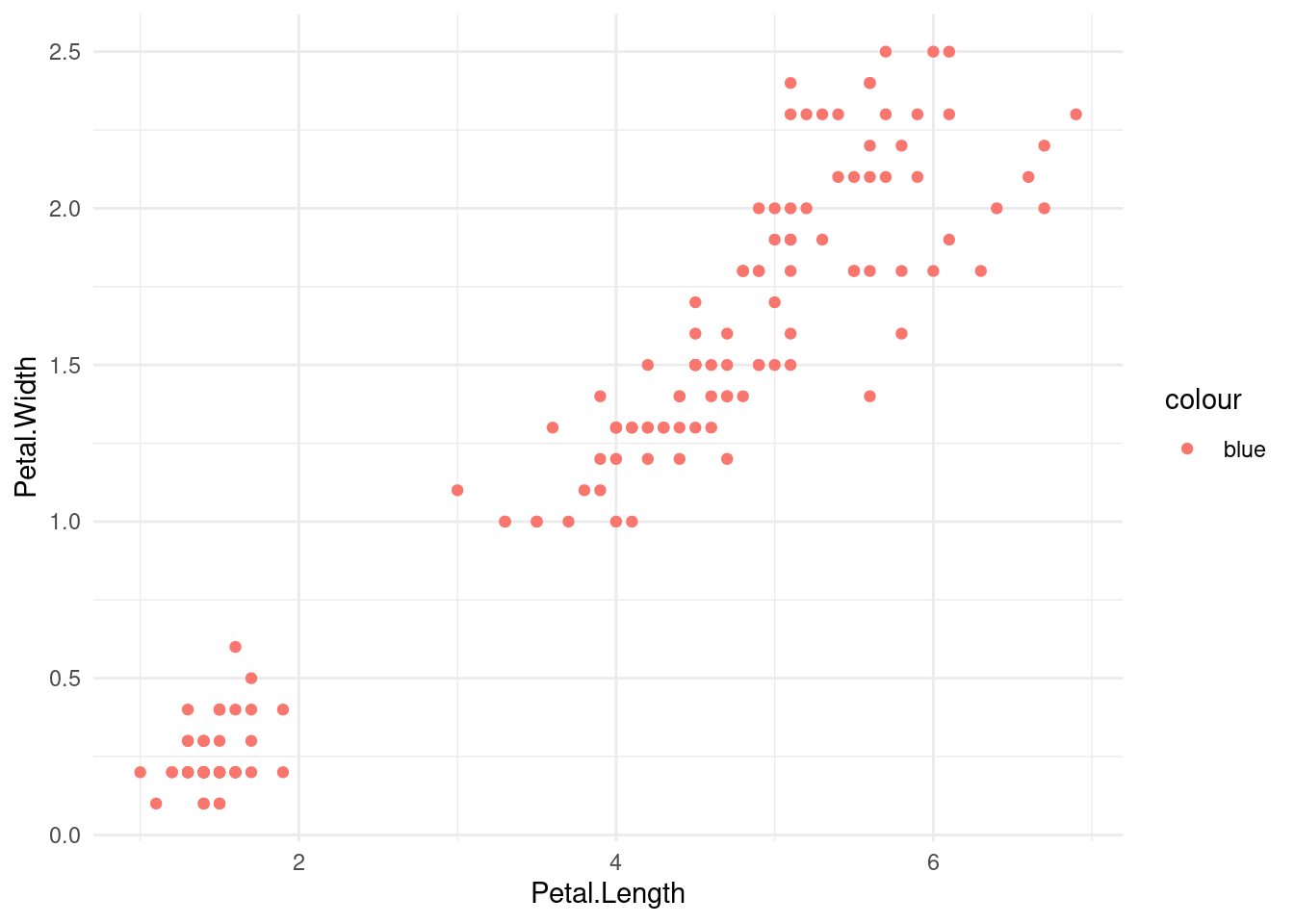
We specified that we want the points blue but the color cannot be further from blue. There even is a legend next to the chart trying to tell us that the red-ish color is actually blue. What’s wrong with it? Is there a bug in ggplot? Most likely not, somebody would have fixed it over the years already.
This is a common mistake that happens to many beginners (at least in my courses). And it’s the reason this blog post exists in the first place. Figuring out what’s wrong with your code is often harder than writing the code. If it’s a syntax error R would print the error to console and you can easily fix it (with small help from Google and Stack Overflow, of course). But mistakes that don’t break the code but produce the wrong result are harder to fix (as you have no error message to search for). So how do you fix the color in the example above?
Explaining Aesthetics
The problem is that we’re passing the color into a function aes which expects variables - either numerical or categorical. The function does not treat the inputs literally but rather maps individual values or categories to colors based on some defined color palette. In the case of categorical data (which is also our case), the function sorts individual groups alphabetically and assigns colors from a palette in that order.
Let’s see how the argument color is intended to be used. If we pass in Species (a name of a column in the iris data set) the colors get assigned to individual iris species and the individual points get those colors correspondingly. The first one is setosa which gets assigned to the same red-ish color as we saw in the example above. The second and third colors in the default palette - green and blue - are assigned to the remaining species.
ggplot(iris) +
  geom_point(aes(Petal.Length, Petal.Width, color = Species))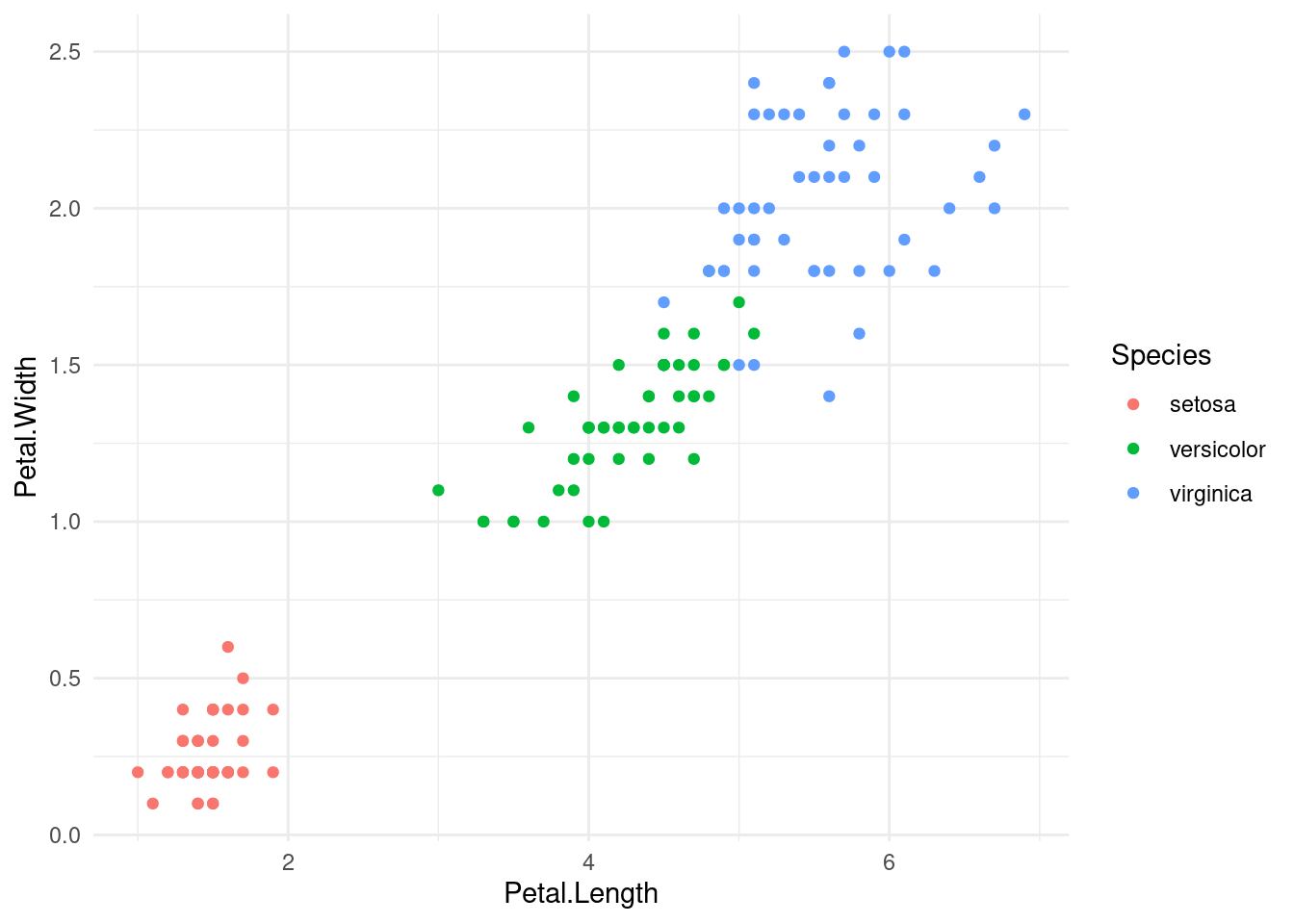
When we passed in the color "blue" it treats it as a variable with a single category and assigns the first color from the palette. This would be true for any text argument we would put in. If we had passed any other color the resulting chart would look the same (except for the text in legend, obviously).
Global properties
To change the color of all points regardless of all categories we need to provide argument color to the geom_point function, which is just outside the closing parenthesis of aes() function in our example. Note that this also removes the legend as all the color is given globally for the entire chart instead of as a variable for each point.
ggplot(iris) +
  geom_point(aes(Petal.Length, Petal.Width), color = "blue")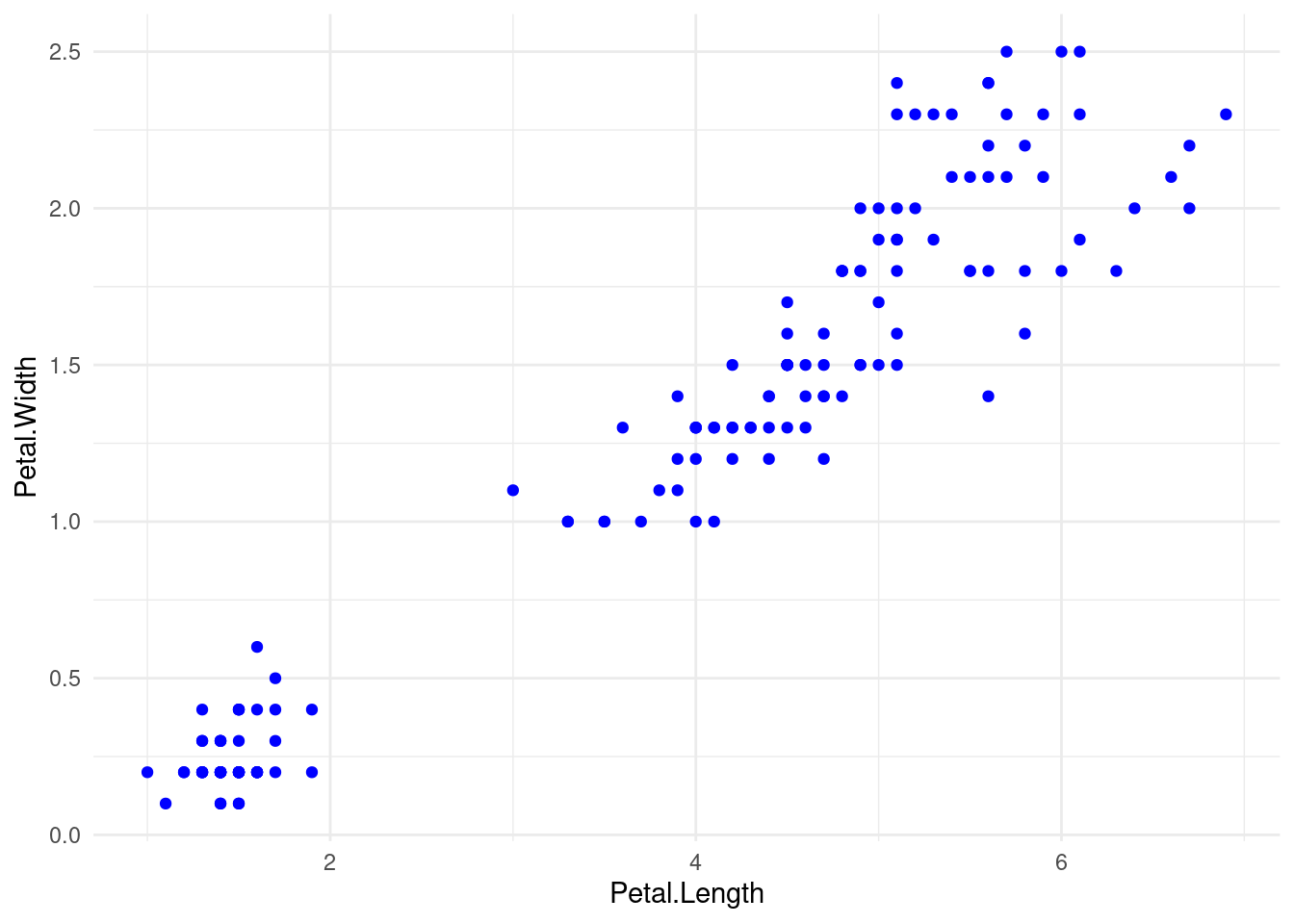
The same holds for other aesthetics like point size and line width and other layers like lines and bars. Specifying those in aes would treat it as a variable (numerical or categorical) and the actual value is not used literally but only relative to other values. If we want to set a property of the entire chart layer we need to specify it in the geom_* function (e.g. geom_point, geom_line).
Bonus
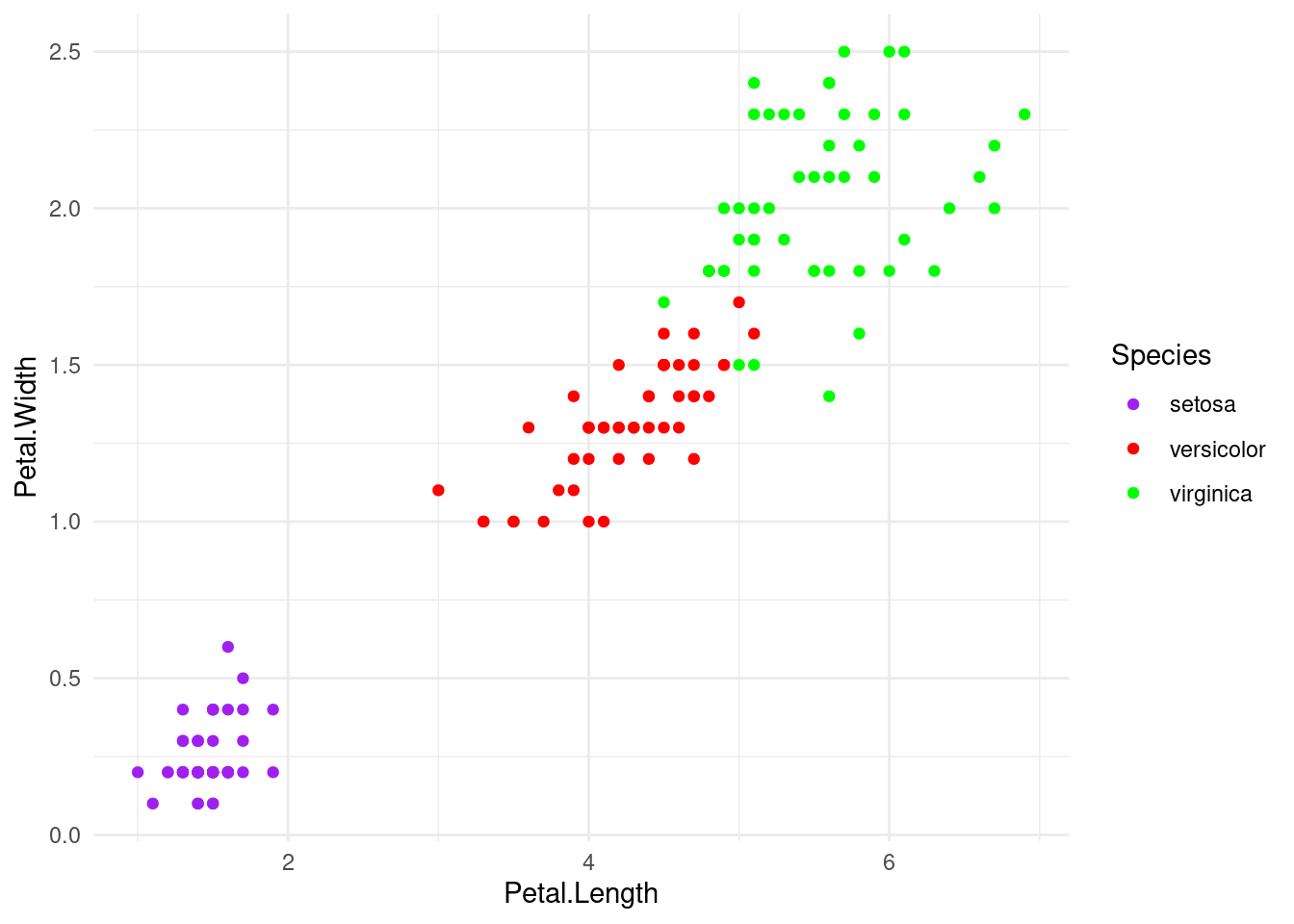
Sometimes, we want to have color per category but also be explicit about the colors. We can do it by specifying different color palettes or manually selecting colors for each category.
ggplot(iris) +
  geom_point(aes(Petal.Length, Petal.Width, color = Species)) +
  scale_color_manual(
    values=c(setosa = "purple", versicolor = "red", virginica = "green")
  )